

 Español
 한국어
 Русский
 हिन्दी
 Português
 Türkçe
 Tiếng Việt
 Italiano
 Français
 日本語

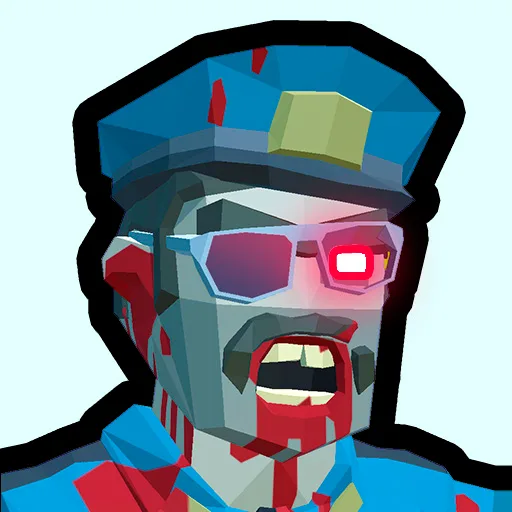
Zombies Shooter Part 1: blast the hordes and save the city
About Zombies Shooter Part 1
Zombies Shooter Part 1 is a first-person shooting game in which you must free a city overrun by a zombie virus. You move through streets and buildings with an arsenal of weapons and take out the hordes that come your way.
Zombies roam the streets and take refuge in houses, so you never know where they will appear from. One neat detail is that zombies shot in the legs keep coming by crawling toward you, so good aim matters. You get a wide choice of weapons with keyboard shortcuts for switching fast, and you can throw grenades when things get hairy. It is a single-player zombie shooter that runs in your computer browser with no download and no sign-up, and it shows no blood.
How to play Zombies Shooter Part 1?
Your goal is to save the city by wiping out the zombies that have taken over. The more precisely you aim and the faster you swap weapons, the easier it is to survive.
- Move the mouse to look around and spot the zombies.
- Advance with the movement keys and run when you need to gain distance.
- Hold the right mouse button to aim and fire with the left one.
- Switch weapons depending on the distance and reload before you run dry.
- Throw a grenade when several zombies bunch up, then keep clearing the city.
Zombies Shooter Part 1 controls
PC
- Look around: mouse.
- Move: W, A, S, D.
- Run: W + Shift.
- Jump: Space.
- Shoot: left mouse button.
- Aim: hold the right mouse button.
- Switch weapon: mouse wheel (next or previous) or keys 1 to 7.
- Reload: R.
- Throw a grenade: G.
Tips and tricks: Zombies Shooter Part 1
- Aim down the sights with the right button on long shots to gain accuracy against distant zombies.
- If a zombie drops with a leg wound, do not ignore it: it will keep crawling toward you.
- Learn the weapon numbers (1 to 7) so you can swap without taking your hand off the mouse.
- Reload when no enemies are close rather than in the middle of a fight.
- Save grenades for big groups, where they do the most damage.
Zombies Shooter Part 1 FAQ
How many weapons can I use in Zombies Shooter Part 1?
The game gives you a large arsenal, and you can switch between weapons with the mouse wheel or the number keys 1 to 7.
What happens if I shoot a zombie in the legs?
It does not necessarily die: zombies hit in the legs can keep advancing by crawling toward you.
Can I play this zombie game on mobile?
It is designed for computers, using keyboard and mouse, which is what its controls require.
Additional information: Zombies Shooter Part 1
Game type: First-person zombie shooter
Technology: HTML5
Platform: Web browser (PC)
Enjoyed Zombies Shooter Part 1? Also try Bullet Force, 1v1 LOL unblocked or Warscrap. Find more Shooter Games and hundreds of games to play for free on LudoRex.
🏷 Shooter Games, Shooting Games, Action Games
Last update:
Games like Zombies Shooter Part 1
View all › Bullet Force
 1v1 LOL
 Sigil
 Warscrap
 NEW Block Craft 3D: first-person combat in a world of blocks
 NEW Bowman: aim your bow and launch arrows at your opponent
 NEW Time Shooter 3: SWAT: time moves only when you move
 NEW Apple Shooter: archery game with 17 levels of apples
 Gun Mayhem: shoot your rivals off the island
 Time Shooter 2: time only moves when you move
 Rooftop Snipers: rooftop sniper duels for two
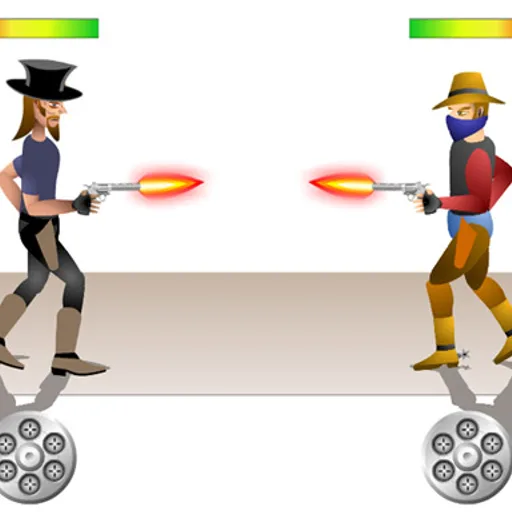 Gunblood: wild west gunslinger duels
 X Trench Run: Spaceship Through the Trench
 Math Blaster: Online Shooting and Mental Math Game
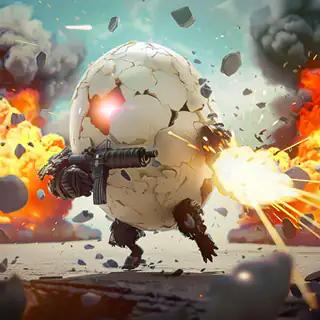 Shell Shockers
 Science Kombat
 Momo Horror Game
 Epic Pinball